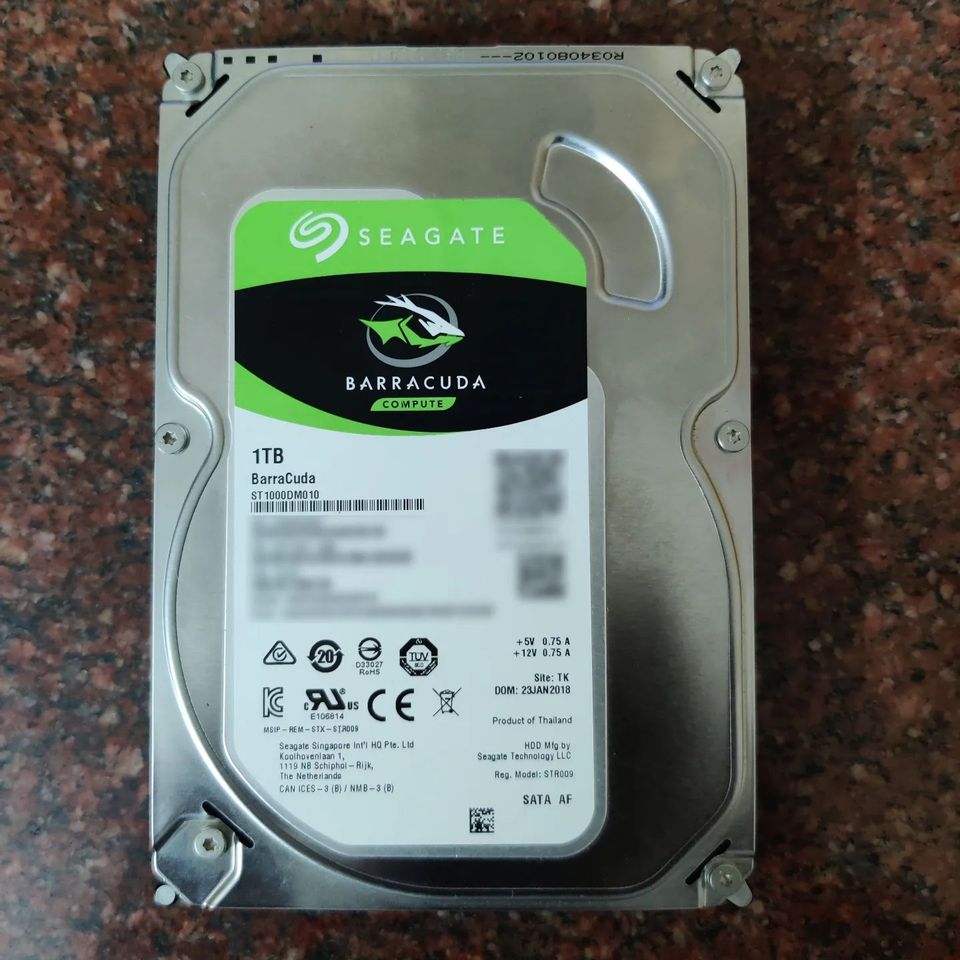
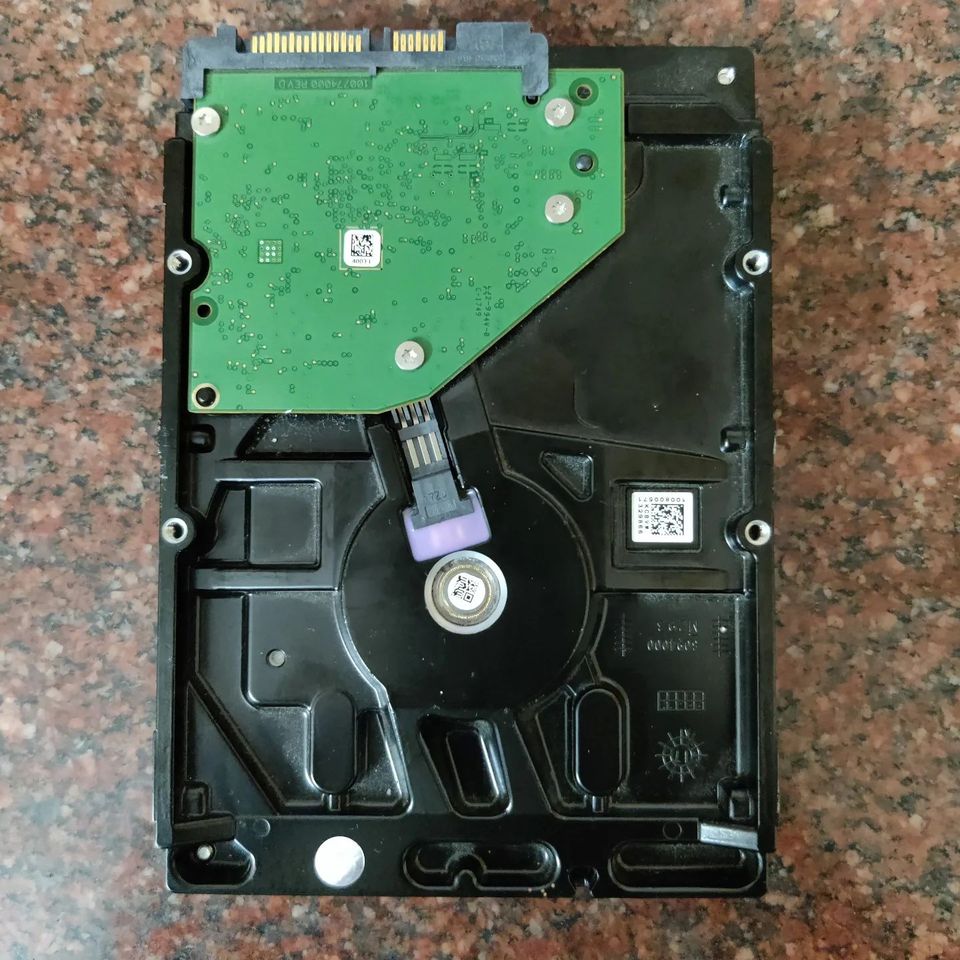
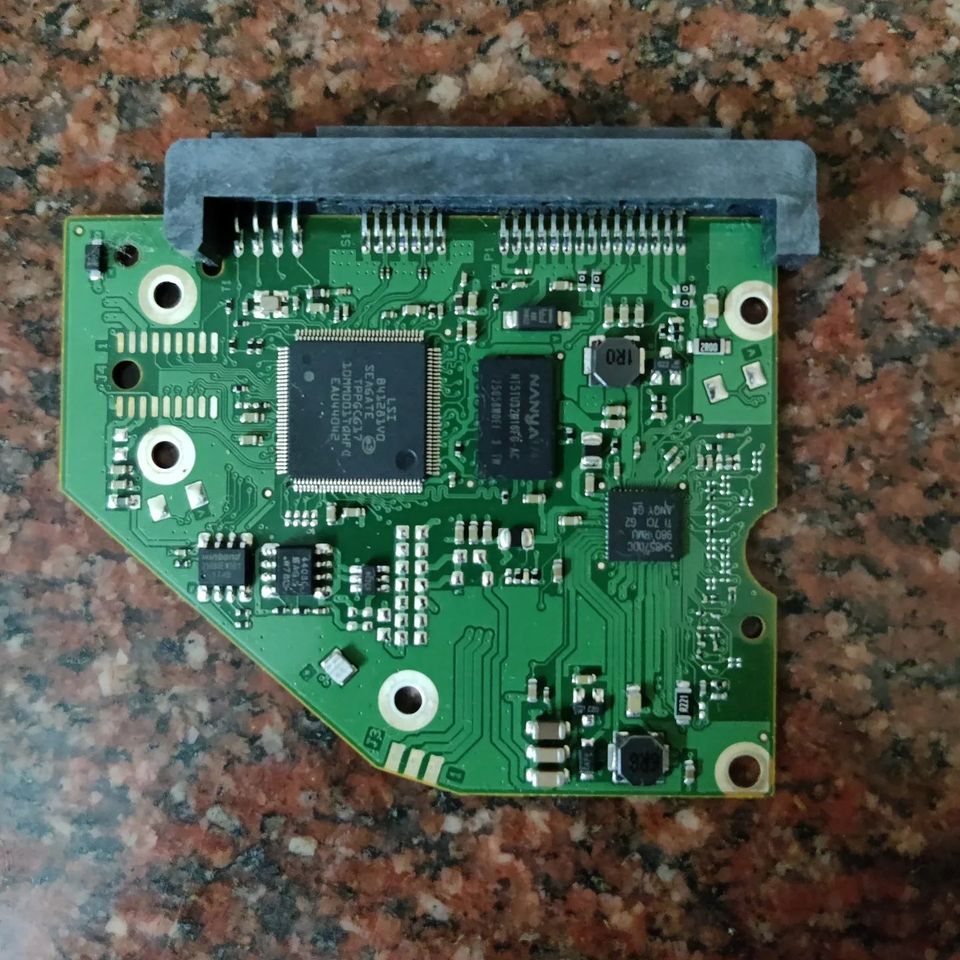
In a recent power surge at home, I had a few device casualties and one of them being a mechanical SATA HDD. It doesn’t power on when plugged into the power supply, so I am guessing there is a bad component in the controller board on the HDD. Will get to troubleshooting this unit later this month. Mechanical Harddisks are one of the most intricately designed electromechanical devices out there. Inside one of them, you will see a flat platter that is coated with a magnetic material a few nanometers thick. These platters are where the data gets stored. The platter is mounted on a spindle with a brushless DC motor which can turn at around 7200rpm for the higher-speed hard disks.
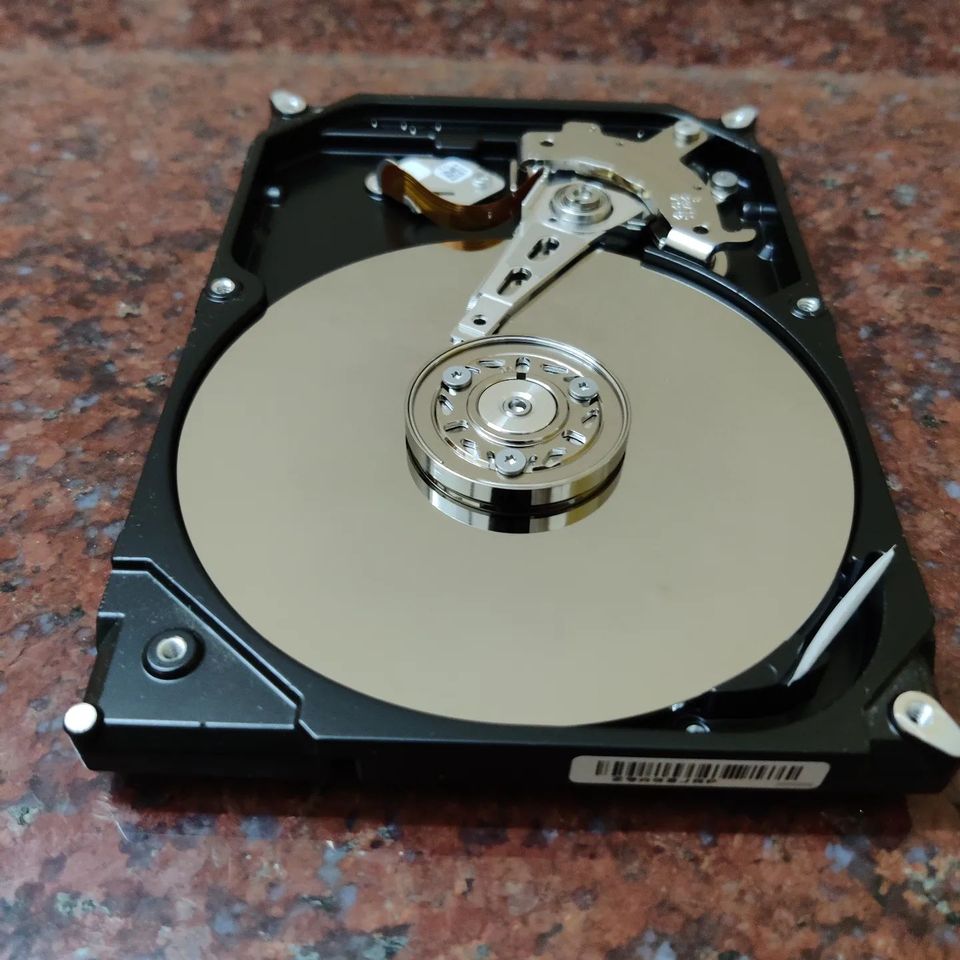
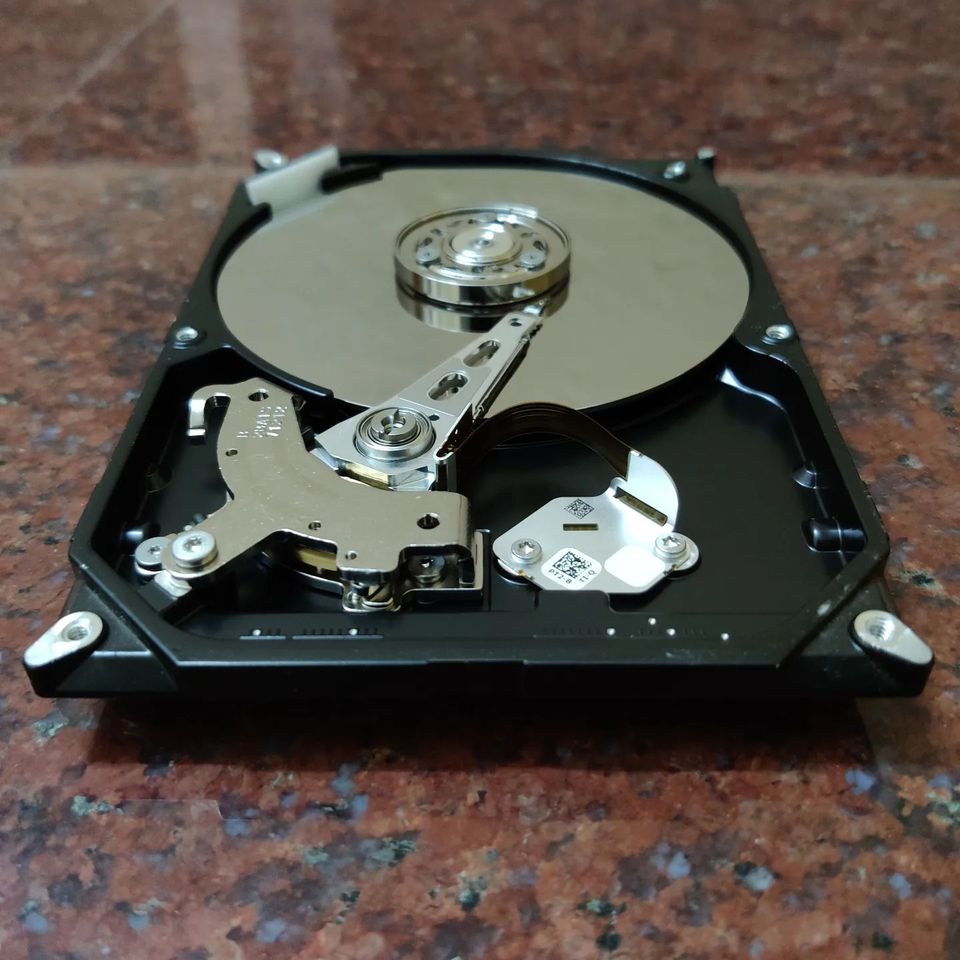
You have a read-write arm that extends over the platter which controls the data storage process. Contrary to the popular belief the read-write arm never touches the platter, it always floats over the platters a few microns above. The arm contains tiny electromagnets and sensors which will induce a magnetic flux to write on the platter and sense a written bit. The arm is moved up and down by a simple voice coil which is controlled by the onboard controller. When an address is received by this controller, it activates the coil to move to a particular position to read or write. In larger size HDDs there will be multiple platters and a stacked read/write arm to access each of the platters individually. Since reading and writing to these platters is usually only possible by mechanical motion, these HDDs are essentially slow compared to SSDs which are entirely IC-based storage(Meaning you can read/write things parallelly and pretty fast). That’s the reason your PC boots faster on an SSD compared with HDD.
But mechanical HDD still hold a place in this day and age as a backup storage device. These are cheap for large sizes and you usually don’t have to worry about the data being lost as compared with your SSDs which can lose data if you are not powering it over 2yrs or so. Protip: If you are throwing away your old HDD make sure you break the platter before you throw it out else you risk a data breach in future.