Tech Explained: BLE vs UWB for Distance Measurement

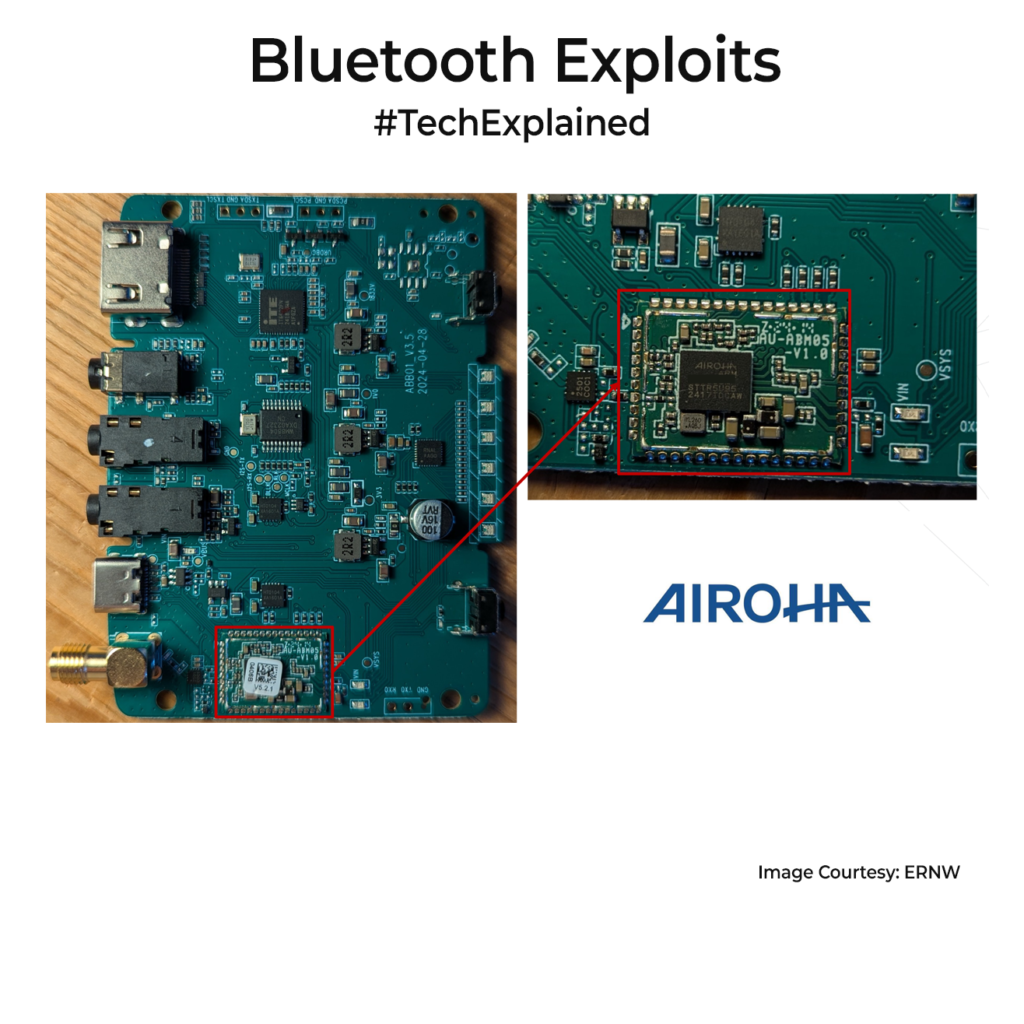
Recently I was in a discussion where folks were comparing Bluetooth(BLE) and Ultra WideBand(UWB) for a ranging application. Some were saying the latest BLE 6 will replace UWB for ranging. I do not think it is that simple. Let’s discuss.

I have explained both techs in great detail in older posts, so please refer to it if needed. In short, BLE 6 gets true ranging through Channel Sounding. Instead of guessing distance from RSSI, it compares phase across many 2.4GHz channels, using round-trip time as a secondary check. UWB takes a different path by sending very short pulses across a very wideband(>500 MHz) and measures time of flight very precisely.

Theoretically, Bluetooth Channel Sounding is impressive. The Bluetooth SIG says it is designed for around ±20cm accuracy and can measure out to 150m in the right conditions. In real world, things are slightly different. Silicon Labs testing showed about 0.5m error in clear line of sight, but this can grow to around 5m without line of sight, and even close to 10m with fewer channels.

UWB is still the cleaner tool when distance is the only consideration. UWB typically delivers around 10cm accuracy in line of sight and often maintains sub‑meter accuracy in non line of sight, with practical line of sight ranges up to about 200m. That is why UWB is used in digital car keys and phone-based precision finding. It holds up better when reflections, body blocking, and multipath get ugly.

So my practical advice is: If you already have BLE in wearables, locks, or accessories, BLE6 ranging can be good enough for presence, room entry without adding another radio. If you need consistent sub-meter accuracy in cluttered environments, or you are making decisions based purely on distance, UWB remains the more reliable choice.

BLE 6 chips like Nordic nRF54 and NXP KW47 are just emerging, while UWB parts like Qorvo DW3000 are mature. BLE 6 is new, so combining both, like Apple’s Airtag approach, gives low-power discovery plus precise UWB ranging, if BOM costs allow it. So do consider this next time.

If you liked the post, Share it with your friends!

Tech Explained: LPCAMM2 Memory

I was watching a teardown video on one of the latest laptops and saw it using a relatively new memory format called LPCAMM2. That sent me down a rabbit hole to read up on it, and I thought I should share it with you.

To see why LPCAMM2 matters, we need to start with what laptops used earlier. For years, upgradeable laptops used SO-DIMM modules. Anyone who has opened up laptops in the last 10yrs would have seen this unit. A small pluggable RAM stick that you slide into a socket. It was cheap and easy to replace. But as memory speeds rose, SO-DIMM became problematic. The socket adds height, traces get longer, board area goes up, and you often need two modules to get full bandwidth.

That is why many thin laptops moved to soldered LPDDR. Putting memory much closer to the CPU shortens the path, improves the signal, and helps power and thickness. LPDDR also tends to use less power than standard DDR. The con is you lose RAM upgradeability and repairs are harder. Eg. Apple Laptops.

LPCAMM2 is the middle path. It uses LPDDR5X class memory, but keeps it on a replaceable module(Held on with 3 screws). The module lies almost flat and presses onto a compression connector with screws. This lowers height, saves space, and makes routing easier.

DDR5 SO-DIMM laptop memory has speed of around 5600 MT/s. LPCAMM2 modules are now showing 8533 MT/s to 9600 MT/s. That is a big jump with more data moved per second. One LPCAMM2 module can also expose a 128-bit interface, so one flat module can do the job that often needed two SO-DIMMs before.

Power is the other reason this matters. Because it is based on LPDDR5X, LPCAMM2 is designed for lower power operation than classic DDR5 SO-DIMM, especially in idle and standby. In a laptop, memory is always active in the background, so these savings matter.

I am really looking forward for this tech to take off in a big way. Hopefully regular consumer laptop OEMs switch to it soon. Not a fan of soldered RAM in devices anyway.

If you liked the post, Share it with your friends!
1 3 4 5 6 7 21